 By Antonio De Rosa, ADR Studio.
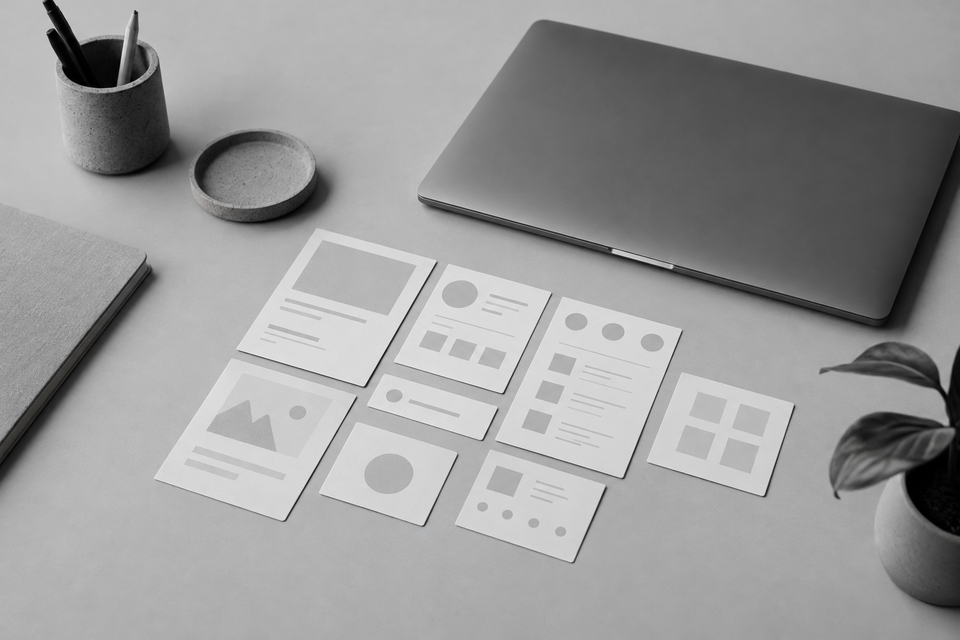
AI-generated interface design needs rules because producing a working screen is not the same as designing a reliable product. Shared components, clear behaviour and human review help teams turn generated prototypes into experiences people can trust.
Prompt-based design tools are moving beyond static layouts towards interactive prototypes and working code. Products such as Figma Make and v0 reflect this shift. Teams can describe an idea, generate an interface and revise it through conversation.
That changes who can explore a product idea and how early it becomes tangible. It also changes the design task. At ADR Studio, our view is simple: when producing screens becomes easier, defining what those screens must do deserves more attention.
What is changing in interface design?
Traditionally, an idea moved through several distinct stages: a brief, wireframes, visual design, a prototype and implementation. Those stages often overlapped, but each introduced a different kind of judgement.
AI tools can compress parts of that sequence. A written description may produce a layout with navigation, sample content and interactive elements in one pass. A colleague without specialist design skills can bring something concrete into a discussion.
This is useful. Teams can compare routes earlier and test assumptions before committing to detailed production. But a polished result can also conceal unresolved decisions. A convincing booking screen may still lack cancellation logic, capacity limits or a clear way to recover from a failed payment.
The visible interface is only part of the product. Generated work makes that distinction worth stating explicitly.
Where does AI-generated interface design need rules?
Rules are needed wherever an interface makes a promise. A button promises an action. A status message promises information. A navigation label promises that something can be found in a particular place.
A design system should make those promises consistent. Its role is not merely to supply colours, spacing and reusable cards. It should describe how the product behaves, what language it uses and what happens when the expected journey breaks down.
- Structure: what belongs on each page and how people move between tasks.
- Behaviour: how controls respond, validate information and recover from errors.
- Content: how instructions, prices, conditions and status messages are expressed.
- Access: how people navigate and complete tasks with different input methods and assistive technologies.
- Boundaries: which decisions require confirmation, additional explanation or human support.
These rules give both people and tools a useful starting point. Systems, not styles. The aim is not to restrict exploration, but to stop every new screen from inventing its own product logic.
Why is a working prototype not a finished product?
A prototype demonstrates a possibility. A product must handle real conditions. The gap includes data quality, permissions, privacy, performance and the less visible states that rarely appear in an initial presentation.
Consider a generated interface for booking a home visit. The initial journey might look complete: choose a service, select a time and confirm. Yet the team still needs to decide what happens when an address falls outside the service area, a slot becomes unavailable or a customer needs to change the booking.
None of those questions is solved by visual polish. They require knowledge of the service and its operating constraints. AI can help explore responses, but someone must decide which response is accurate and deliverable.
This is why we would review a generated prototype as a proposal, not as evidence that the design work is finished.
How can teams keep speed without losing control?
The answer is not a heavy approval process around every experiment. It is a clear distinction between exploration and release. Teams need room to try ideas, alongside a shared understanding of what must be checked before people depend on them.
- Define the task. Describe what the person needs to achieve, including the conditions that could prevent success.
- Supply the context. Give the tool approved components, content guidance and relevant constraints where its capabilities allow.
- Generate alternatives. Compare different structures rather than treating the first plausible output as the answer.
- Review complete journeys. Check loading, empty, error, cancellation and completion states, not just the opening screen.
- Test before release. Combine user research with accessibility, technical and content checks. Assign responsibility for resolving issues.
This keeps review tied to risk. An internal concept for discussion does not need the same scrutiny as a public payment journey. Both need an honest label describing their readiness.
What should designers own now?
Designers should help own the quality of the decisions, not simply the production of the screens. That means framing problems, comparing alternatives and making behaviour understandable across a whole service.
It also means working closely with developers, content specialists and operational teams. A generated interaction may look sensible while depending on information the organisation cannot provide. Collaboration exposes that mismatch before it reaches customers.
Brand expression remains important. Yet distinctiveness should come from relevant choices: what the product prioritises, how it explains complexity and how it supports people when something goes wrong. Decorative differences alone will not resolve a generic experience.
For us, this is where strategy, design and AI meet. The tool helps produce options. The team supplies context, judgement and accountability.
How should teams measure the result?
Time to first prototype is useful, but incomplete. If generation saves time while increasing rework, support requests or inconsistent behaviour, the gain may not survive beyond the design stage.
Look at whether people complete the intended task, understand the next step and recover when something fails. Track implementation effort and the amount of correction required after release. Use evidence appropriate to the product rather than assuming that faster output means better performance.
Design drives performance when its contribution can be connected to a useful outcome. AI does not remove that responsibility. It makes it possible to test more ideas against it.
Key takeaways.
- Generated interfaces can make ideas tangible earlier, but visual completeness does not prove product readiness.
- Design systems need behaviour and content rules, not just visual components.
- Keep exploration open, then apply checks that match the risk of release.
- Measure task success and rework alongside production speed.
FAQ.
Can AI-generated interfaces be used in production?
Yes, provided they pass the checks required for that product. Generated code and layouts still need technical review, accessibility testing, accurate content and validation against real user needs.
Do teams need a design system before using AI tools?
No. Exploration can begin without one. But even a small set of approved components, language rules and interaction patterns gives teams a clearer basis for evaluating and refining the output.
Will AI interface tools replace designers?
They can automate parts of interface production. That does not remove the need to understand people, resolve conflicting requirements or take responsibility for product behaviour. The balance of the work changes; those responsibilities remain.